Documentation Index
Fetch the complete documentation index at: https://docs.replay.sale/llms.txt
Use this file to discover all available pages before exploring further.
There are a couple of ways to find your history, depending on how you access Replay.
Main App
From the main app, you can find your history on the Library page.
Go to the Library page
Navigate to the Library page from the sidebar.
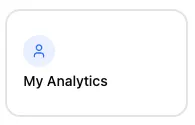
Click My Analytics
Near the top of the Library page, click the My Analytics card. Select the History tab
Click the History tab to view all your past roleplay sessions, scores, and activity attempts.
Through a Learning Management System
If you’re accessing Replay through an LMS (such as Canvas, Moodle, Blackboard Learn, or any other supported platform), you can view your history from within the embedded activity.
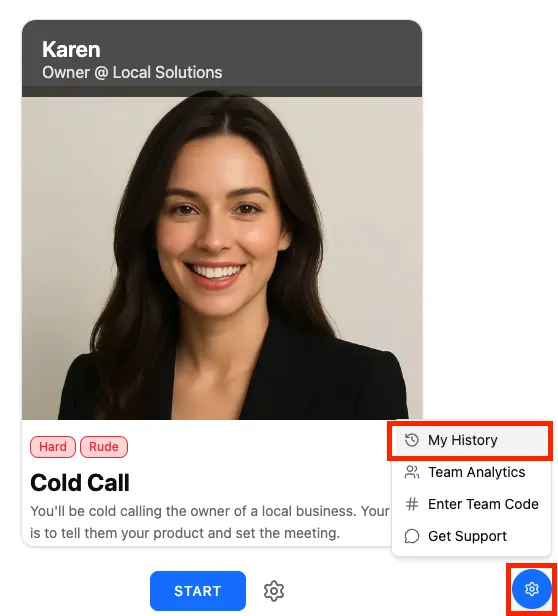
Open the settings menu
Click the gear icon in the bottom-right corner of your activity. Click My History
Select My History from the menu to view all your past activity attempts and scores.
Supported Learning Management Systems
Replay integrates with a wide range of LMS platforms through SCORM, including:
Canvas, Moodle, Blackboard Learn, D2L Brightspace, Schoology, TalentLMS, Docebo, SAP SuccessFactors Learning, Adobe Learning Manager, Cornerstone Learning, Absorb LMS, Kajabi, Thinkific, Teachable, iSpring Learn, Totara, Open edX, Learnworlds, Lightspeed, and more.